
When software updates force people to buy new devices even though the old one is physically completely functional, free software comes to the rescue. IT College lecturer Edmund Laugasson recommends using it precisely to extend the lifespan of your devices, saving money, contributing to sustainability, and at the same time gaining freedoms that proprietary software does not offer. In March, the focus of the “Sustainability Months” is digital cleanliness and e-waste, and we are sharing tips and recommendations on how to make more sustainable choices in your digital life.
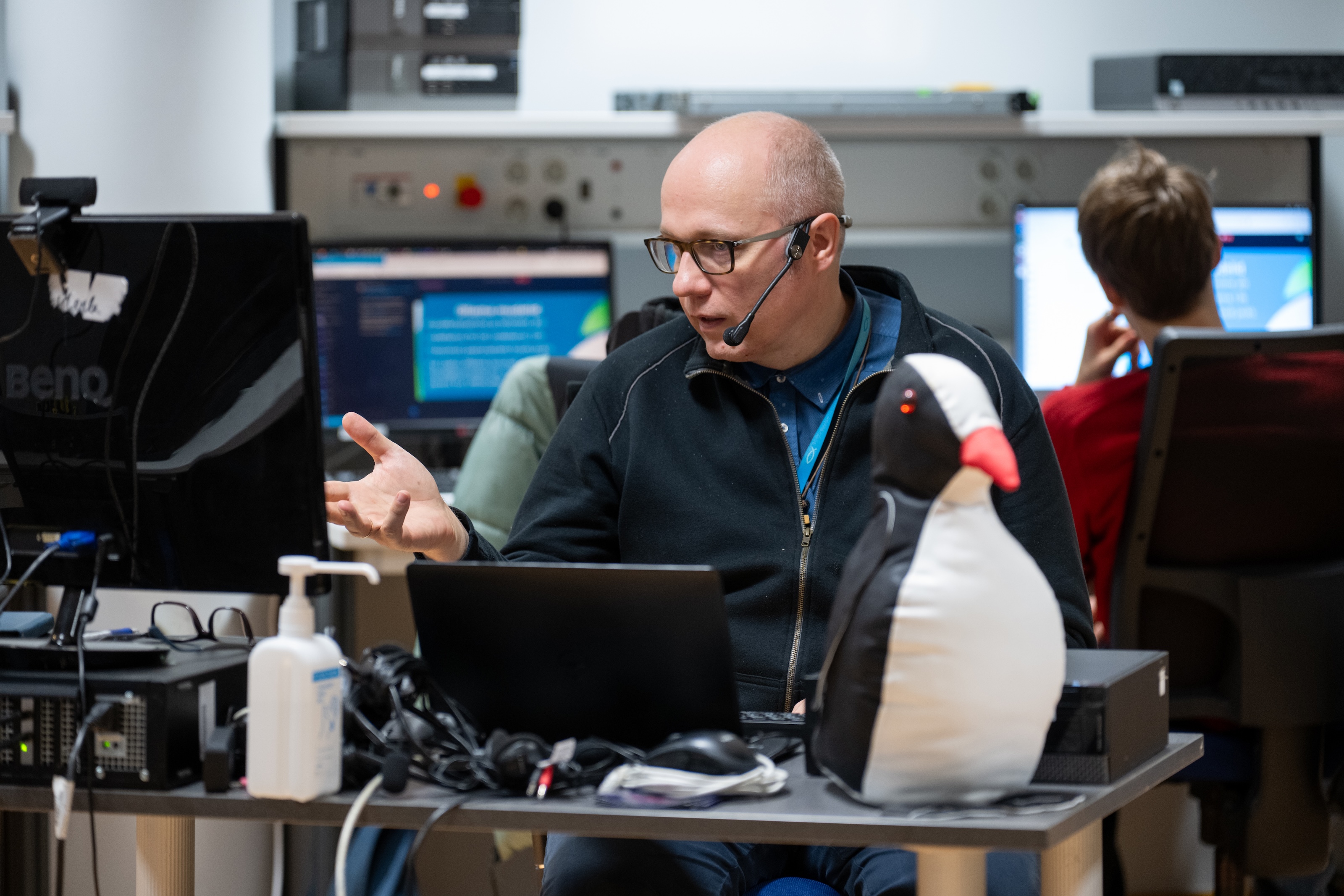
How does free software help reduce digital waste and extend the lifespan of devices?
If a computer works, there is no need to buy a new one, even if software support ends. We remember when support for MS Windows 10 ended and the next version, MS Windows 11, did not work on many older computers. People might have gotten the impression that there was no other option but to buy a new computer. Yet the existing computer still works. Free software provides the opportunity to use modern software on an existing computer until the end of the computer’s physical lifespan.
What do you base your software choices on – do you consider resource usage and sustainability, and how?
When choosing software, I consider the capabilities of the hardware. One must ensure that as much resource as possible remains available for the applications and files that actually need to be used. If most of the computer’s resources are spent running the background system — meaning the operating system plus possible background applications — there may not be enough resources left for necessary activities. This can again create pressure to buy a more powerful computer so that, alongside the resource-hungry background system, there is still enough capacity left for the applications and files that are truly needed. Free software helps leave more resources available for necessary tasks.
What have you personally gained from preferring free software?
First and foremost, the freedom to use free software for any purpose (both commercial and non-commercial) and to share it with others, thereby helping, supporting, and encouraging others as well. Of course, the financial savings have also been noticeable, though they have not been the main factor. The savings have not only come from software licenses but also from using computer hardware longer — there has been no need to buy new computers as often. Free software makes it possible to truly use computer hardware until the end of its lifespan. In addition, free software has improved my level both as a computer user and as a specialist. The knowledge gained from free software has also been useful when using and managing proprietary software. Free software has also helped recover data from proprietary systems when the operating system has broken due to an update or malware, for example. Furthermore, free software has provided a significantly safer and more private environment for working.
What is one recommendation for people who replace their device simply because the software becomes heavy or restrictive?
I encourage people to adopt free software instead of replacing the device. Often there are solutions that work properly even on older devices. This is the most direct way to extend the lifespan of a device. Free software also allows you to start a computer from a USB drive and verify that it works. With a free software solution, a computer can be used even if the operating system on the hard drive does not work for some reason. In addition, it can also be repaired using the same free software solution — for example, if malware or an update has caused the problem.
In addition to what has been said above, I consider it important that if free software and open data formats are used on a computer, the user is guaranteed freedoms that proprietary software does not offer.