
The digital footprint refers both to the invisible volume of data and to the physical electronic devices required to run it. Every smart device in your hand or drawer, every photo backed up to the cloud or uploaded to Instagram represents an environmental burden that is increasing faster than anyone can measure. In March, the focus of the “Sustainability Months” is digital trash and e-waste. We invite everyone to think about their digital lifestyle: what and how we watch and listen to, what we keep, what we delete, and what we pass on.
I conducted a thorough search on the internet and could not find what the global digital waste burden was in 2025 or 2024—the data at best comes from 2021–2022, when large AI language models were only beginning their rapid rise. So if some sources said that in 2022 data centers produced 1.1 billion tons of CO₂—27% more than the aviation sector—and predicted that this would reach 2.5 billion tons by 2030, then we have probably taken an even faster course by now. Here is one article that looks directly at the seriousness of the issue, though it does not yet mention artificial intelligence.
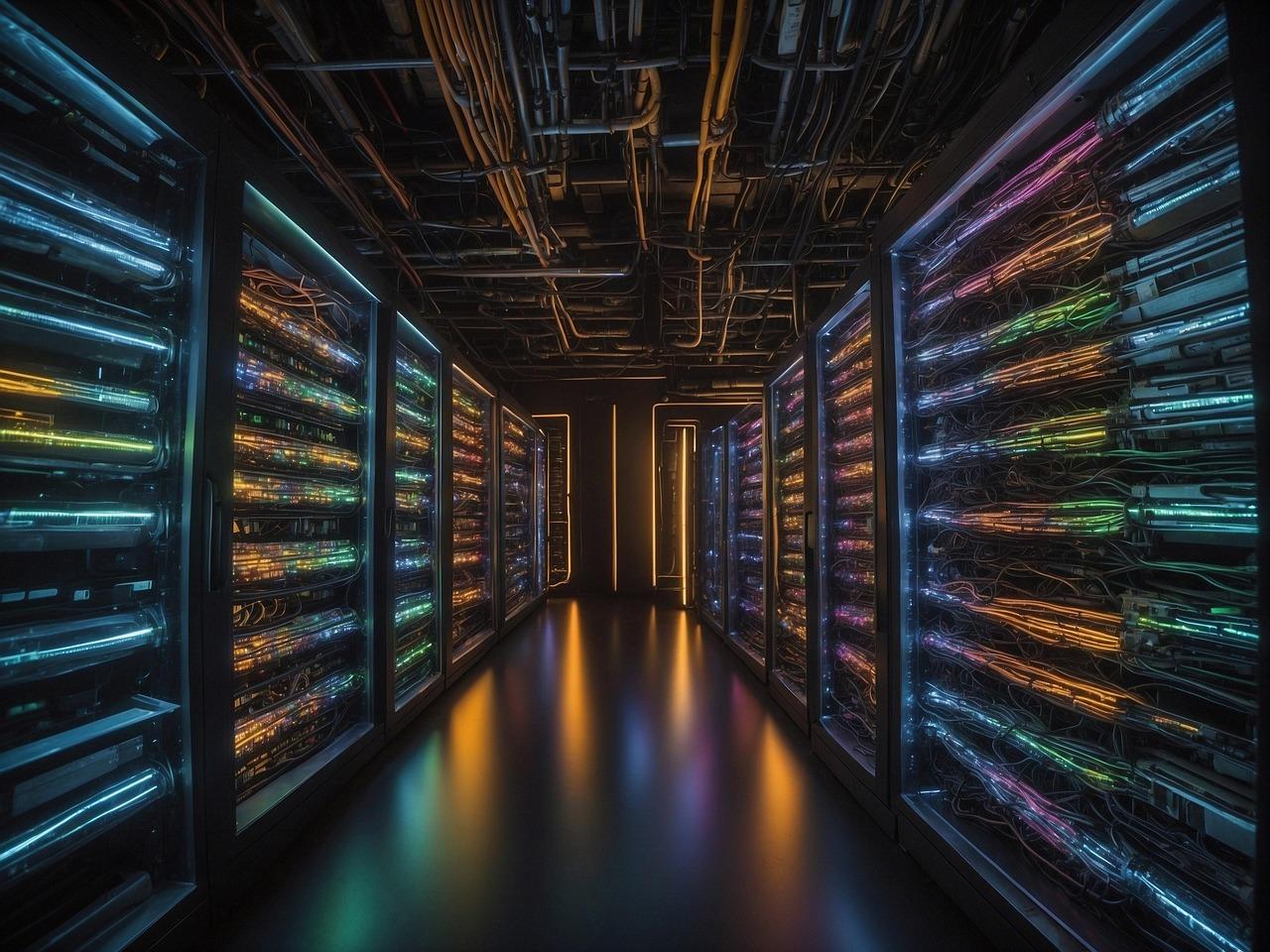
Digital waste in your pocket
Reading this section will take you at most 60 seconds. The Final Straw Foundation points out that in 60 seconds, globally combined, more than 4.3 million YouTube videos are watched, 764,000 hours of Netflix are streamed, nearly 700,000 Instagram visits occur, 1,400 TikTok downloads happen, 4.1 million Google searches are made, 59 million WhatsApp messages are sent, and 190 million emails are delivered.
We can be fairly certain that all internet users produce digital waste; even more so those who carry a smart device in their pocket; and even more so daily social media users. We simply do not think about it—because it is invisible. We encounter digital waste directly when we need to find something among our photos, files, or data but cannot, or when our disk or cloud storage runs out and we must choose whether to buy more space or clean up what we already have.
In the latter case we truly notice what is taking up space: fifteen photos of a birthday cake get in the way, fifteen partial copies of a long-submitted thesis, article, or project application, or fifteen data files that turned out to be useless. All of these occupy space on our devices or are backed up to cloud servers, and together they create an invisible environmental burden. It has been estimated that “dark data”—data that is stored but actually unnecessary and which, according to different estimates, makes up 60–85% of all data—generates more than 5.8 million tons of CO₂ annually, roughly equal to the yearly emissions of 1.2 million cars. The accumulation of “dark data” could already be called digital permafrost, as it becomes buried ever deeper under new photos and other data that we do not need but that are automatically backed up to the cloud.
A large but invisible environmental burden also comes from using social media. For example, scrolling through X or Instagram during a bus ride means not only that your device will need charging again, but also that the platform’s servers and algorithms consume energy to calculate what to show you next. Between these two, energy is also required to transmit the internet itself. Globally, 46 billion GB of mobile data traffic is used every month; of this, 66.2% is consumed by video apps and 10% by social media. Streaming accounts for about 75–80% of all internet traffic; for example, watching a two-hour stream from a cloud service produces 112–228 g of CO₂. That is equivalent to charging a smartphone 23 times.
So it is worth considering what scrolling through fast content actually gives you—do you remember ten minutes later what you watched, did you truly need it in your life, or could you instead have called your mother, read a book, rested your eyes, or meditated?
More recently, the use of artificial intelligence has also been increasing internet consumption. A single ChatGPT query is roughly ten times more energy-intensive than a regular Google search. So you also do the environment a favor when you turn to AI only when you truly need it, not when you simply do not feel like thinking. Incidentally, you also do your own mind a favor by doing so.
A gold mine in your pocket
More tangible is the management of the devices that power our digital lives. Each year, the world generates 50 million tons of electronic waste containing resources worth more than 60 billion dollars. Only 17% of it is recycled—incidentally, Estonia is among the European leaders in bringing electronics into recycling.
Everyone knows how many old phones or computers they have resting in drawers at home, but altogether there are about 350 million tons of such devices. Less well known is that all these devices contain both toxic and valuable chemical elements; it is estimated that they hide raw materials worth 45 million dollars. That is why it is important that these devices reach recycling at the end of their life cycle—the materials can be used in new devices instead of extracting another batch from the Earth. Recycling one million mobile phones, for example, yields 16,000 kg of copper, 350 kg of silver, 34 kg of gold, and 15 kg of palladium.
In 2019, Professor Michael Hitch proposed that Estonia could become a country specializing in exactly this kind of “mining.” “By the time you have arrived at work, you have used hundreds of tools, products, and convenience items that could not exist without the mining, processing, and overall availability of minerals from different parts of the world,” he described at the beginning of his speech, and then made a proposal: “The future of raw material extraction in Estonia may not rely on traditional underground mining. Estonia could become a European leader in urban mining and in extracting strategic and other critical materials from waste. These waste materials can be used as resources to promote industrial synergies and integrated into existing value chains and processes.” He noted that extracting gold, copper, and other metals from discarded electronic devices is 13 times cheaper than mining new materials.
So if you also have an “electronics graveyard” at home—a small kind of treasure chest—then contribute your part and take your e-waste to a recycling station so that valuable elements can give life to new devices.
- What can everyone do to reduce their digital footprint?
- An email with a large attachment “weighs” more than 10 times the CO₂ of a text-based email. Prefer collaborative work environments instead of sending files by email, and send links rather than attachments!
- Unsubscribe from newsletters you don’t actually read and notifications that are not truly useful to you.
- Also get rid of apps you don’t actually use, and delete abandoned accounts in forums and online environments.
- Open browser tabs consume energy. If you want to save something, bookmark the link instead of keeping the tab open.
- Streaming accounts for about 75–80% of all internet traffic. Consume only valuable content, choose lower-quality streaming when possible, and watch or listen offline whenever you can.
- Avoid using the camera in online meetings if it isn’t necessary. If all participants are in the office, it makes sense to meet in person rather than online.
- Every click counts: don’t waste your mind, your time, or the planet’s resources scrolling through meaningless fast content.
- Prefer a simple search engine to artificial intelligence; use AI when your own thinking truly isn’t enough.
- Back up to the cloud only what actually needs to be there. Back up other things to a local drive.
- Make digital cleaning a routine: clean your inbox of useless emails every week and sort your photo albums every month. Reward yourself by playing a favorite record (of course offline or from a physical record, not via streaming).
- About 75% of a device’s total footprint occurs during the manufacturing stage. Extend the life of your devices by regularly cleaning them—both from dust and from unnecessary apps and digital clutter.
- After a device reaches the end of its life, take electronic waste to a collection point or recycling center rather than leaving it in a drawer. Small electronics (that fit in your hand or handbag) can be returned to stores that sell such devices, as manufacturers and distributors are obligated to take them back. See kuhuviia.ee.
- If the device still works, sell it or donate it.
Free Software Evening
March 16, 4–5 PM at the IT College, room 407
An old computer is not waste if you clean it from dust and unnecessary data and bring it back to life with free software.
Electronics Maintenance Day, Market, and Giveaway
March 28, 11 AM – 3 PM in the main building café
Five reasons to clean up digital waste:
- Less burdened devices work faster and last longer.
- You find what you need more quickly.
- The fewer accounts and data you have, the lower the risk of leaks.
- If your storage isn’t full of junk, you don’t need to buy more space.
- In the end, it also reduces greenhouse gases. A more convenient life for you, a better life for the planet.
Read digital cleanup tips here as well.
Tips for digital cleanup
Clean your Desktop
- Delete unnecessary files.
- Sort the necessary files into appropriate folders.
- Create a clear and logical folder structure for yourself by topic, project, or date.
- Train yourself to save files directly to the correct location instead of the Desktop.
Review Downloads and empty the trash
Downloads:
- Decide for each file: keep or delete.
- Move necessary files to the correct folder.
- Delete unnecessary files immediately.
Trash:
- Empty it regularly to free up disk space.
Delete unnecessary programs
- Open: Settings → Apps.
- Remove programs you do not use.
- Fewer programs = more disk space and a faster computer.
Make space in the cloud
Delete files from email servers and cloud storage that you do not actually need. Start with the largest ones.
Organize photo albums both on your device and in the cloud where they are backed up—delete duplicate photos and meaningless snapshots and keep only what you truly want to look at again.
Block spam senders. Even directing them to a separate folder still uses the resources of your devices and email servers.